
Lot & batch tracking for Shopify
Assign lot and batch codes with expiry dates to the products you ship, then trace any batch straight to the customers who received it.
14-day free trial · No credit card required · Works in your Shopify admin
For consumables and produced goods, the batch is the unit of traceability. SerializeIt lets Shopify merchants tag orders with lot or batch codes and expiry dates, so when a batch has an issue you can identify every affected customer in seconds instead of guessing — and prove your traceability when it matters.
Why lot tracking is hard in plain Shopify
Shopify treats every unit of a product the same, which breaks batch traceability:
- ✕No lot/batch field — you can’t tell which production batch a given order came from.
- ✕Expiry and best-before dates have nowhere structured to live.
- ✕A quality issue in one batch means a blanket recall because you can’t isolate who got it.
- ✕Proving first-expiry-first-out or batch history to a buyer or auditor is manual and slow.
How SerializeIt handles lots & batches
Batch-level traceability that plugs into your existing Shopify orders:
Lot & batch codes
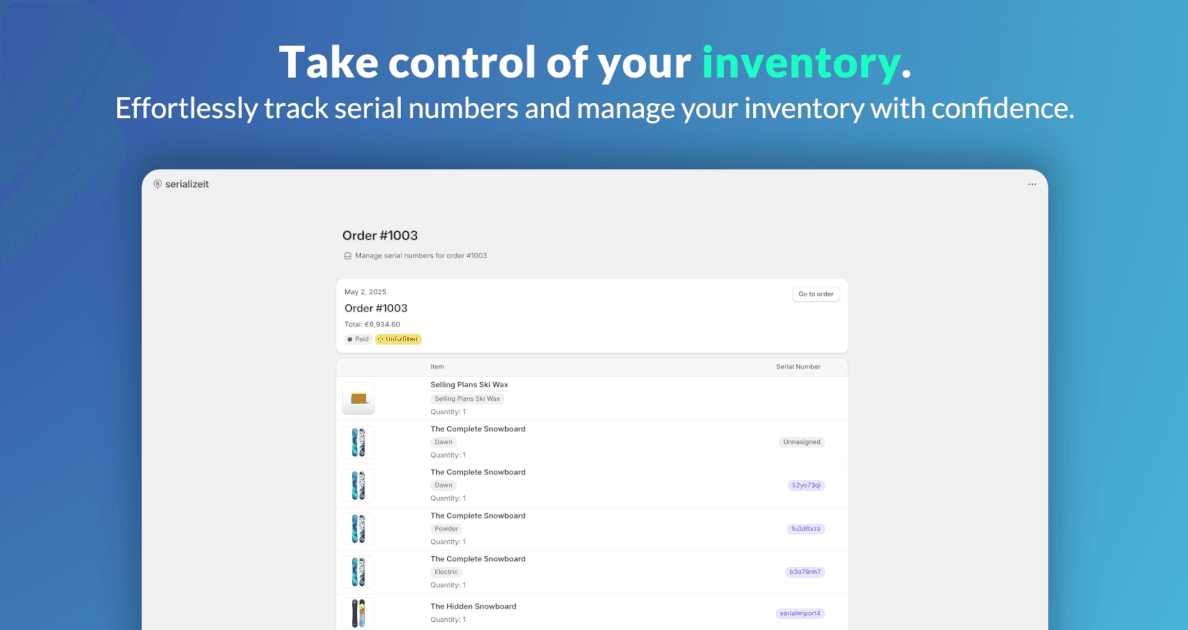
Assign a lot or batch code to the items in an order and keep it linked to the customer and ship date.
Expiry & best-before dates
Store expiry dates per batch so you can manage rotation and avoid shipping out-of-date stock.
Trace a batch to its customers
Search any lot code to instantly list every order and customer that received it — the foundation of a fast, targeted recall.
Custom formats & fields
Encode production date, line or facility into your batch codes and add any custom data your process needs.
CSV export for traceability
Export batch distribution records to CSV for audits, buyers or your own quality records.
Who needs lot & batch tracking
Shopify sellers of produced, perishable or regulated goods:
Loved by Shopify merchants
Rated 5.0 from 3 reviews on the Shopify App Store
“Tom and the SerializeIt app has been an absolute god send for us. Our store sells items that require serial numbers for warranties and regulations. The customisations Tom completed ensure it meets our needs perfectly.”
Magnum Sports
Australia
“This app is fantastic, it works very well for what it's made for, but I think the best thing about it is TOM. He's a very kind person, he'll listen to you and help make the app fit your needs. It's incredible.”
GERF® Certified Cryo Gloves
United States
Simple pricing, 14-day free trial
Every plan includes custom formats, order linking, warranty and expiry tracking, and CSV export.
Starter
$9.99/mo
100 serials/mo
Growth
$24.99/mo
500 serials/mo
Unlimited
$49.99/mo
Unlimited + REST API
Save ~17% with annual billing · See full pricing details